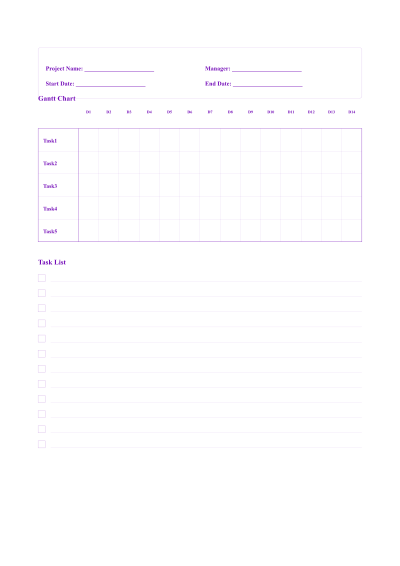
01 Personalizing your Professional Project Planning and Management Sheet
Use this sheet for project kickoffs, weekly status reports, or resource planning. The 8mm lines are suitable for a variety of writing utensils. The wider top margin offers space for a project title or date, while side margins keep notes clear of punched holes. For accurate physical dimensions, always print on A4 with 100% scaling.
02 Perfect for any project
This Professional Project Planning and Management Sheet is designed to be versatile. While many people use it for a4 project planning sheet with 8mm line spacing and wide 25mm top/bottom margins, plus 20mm side margins for structured notes, you can also export it in various sizes to fit your specific workflow:
A4 & A5 Dimensions
Standard international sizes for Professional Project Planning and Management Sheet.
Letter & Legal
Standard North American formats for your Professional Project Planning and Management Sheet.
Custom Width/Height
Define exactly how large you want your page to be.
Vector PDF Export
Crystal clear printing at any scale.
03 Why this Professional Project Planning and Management Sheet is better
Printing at Actual Size is essential to preserve the 8mm line spacing; selecting 'Fit to Page' could compress the layout. The 20mm side margins accommodate hole-punching, and the 25mm bottom margin offers space for footer notes. The uniform ruling helps maintain a clean visual hierarchy. Use this preset for consistent project documentation.