Why Dot Grid Instead of Lines or Squares?
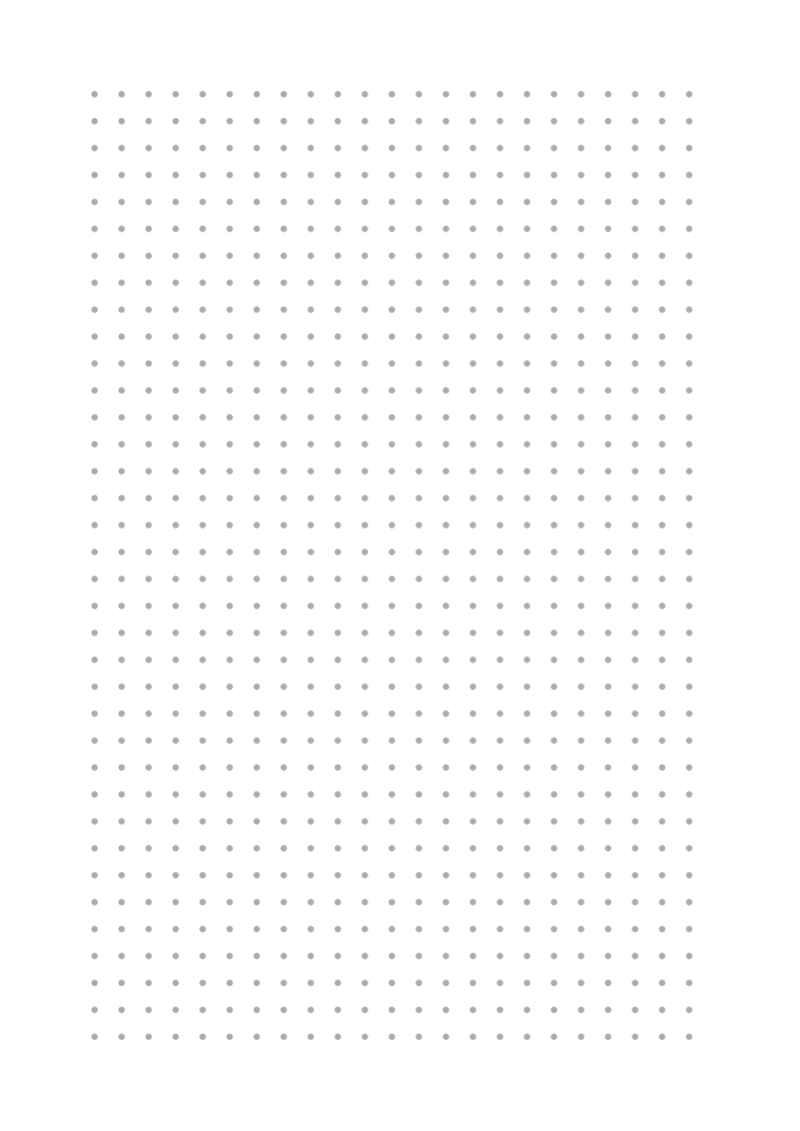
Dot grid gives you reference points without full ruling lines. The dots help keep text and drawings aligned, but they stay unobtrusive when you look at the finished page. That makes dot grid a flexible base for bullet journals, sketches, and notes.
The same page can hold structured lists and freeform drawings, which is why many journalers choose dots over lines or grids.

Print at 100% scale (Actual Size) so the spacing matches the template. This is especially important if you need the dot distance to be exact.
Blue Dots: A Familiar Notebook Look
Light blue dots are a common choice for ruling because they guide the pen without competing with ink. This template uses a soft blue tone that reads as a neutral guide on the page.

Black Dots: High-Contrast Ruling
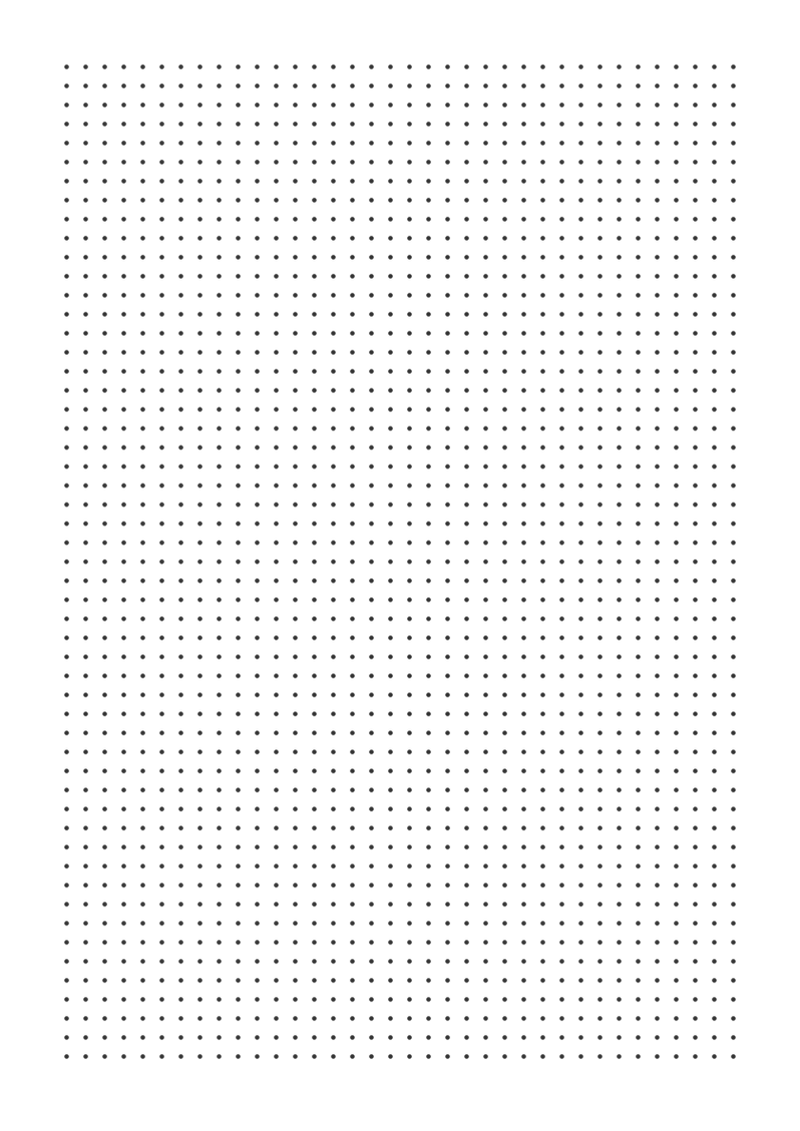
Black dots give the most visible guide. They work well on off-white or cream paper, where light dots may be hard to see. The stronger contrast also helps if you prefer a clearly structured page.
Pink Dot Grid: Soft and Warm
Pink dots on a warm white background give a gentler, more personal feel. The rose color pairs well with colored pens and brush markers, making it a pretty option for planners and diaries.

Green Dots: A Calm Guide
Green dots provide a quiet alternative to black or blue. Many people find the muted color less visually busy during long writing sessions, and it works well for daily logs and work notes.

Dark Mode: White Dots on a Dark Background
This template uses light dots on a deep navy background. It creates a striking page for white gel pens, metallic markers, and other light-colored inks. It is best for standout pages, covers, and special notes.
Keep in mind that a dark background uses more printer ink, so save it for pages where you want extra impact.

Narrow Spacing (3.5 mm): Denser Grid
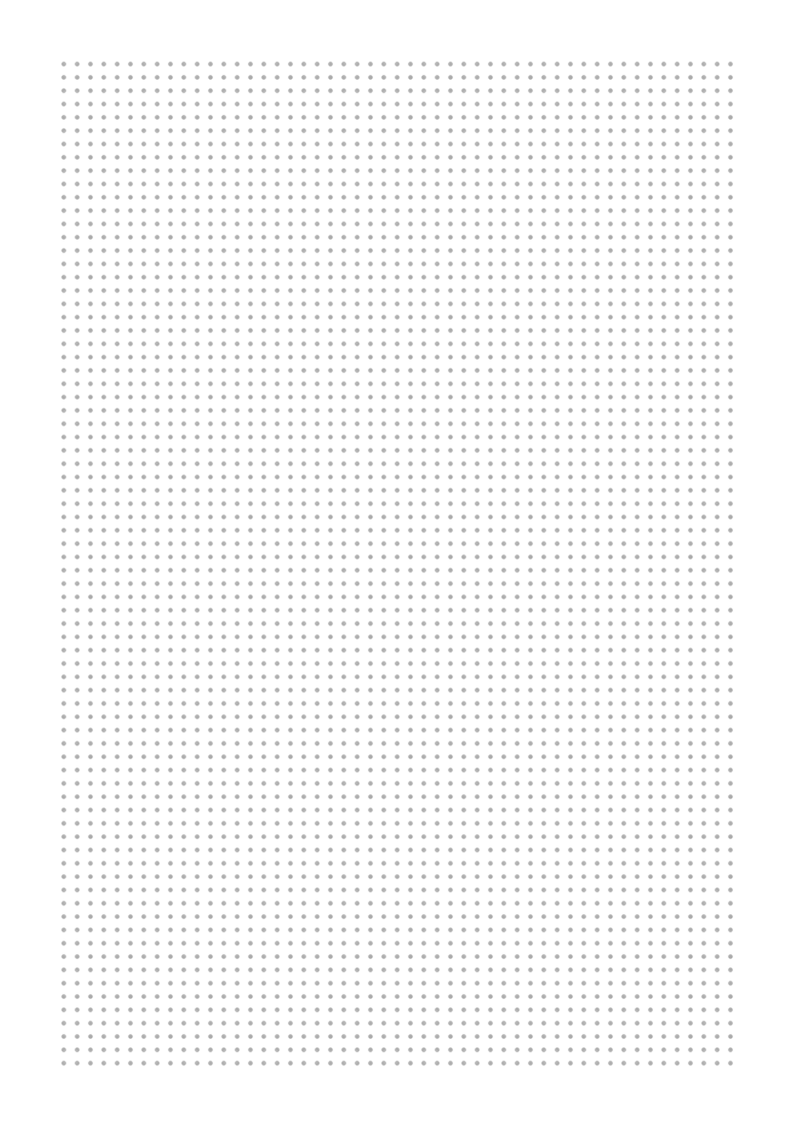
A 3.5 mm dot pitch fits more guide points per page than the standard 5 mm template. It gives you a finer structure for detailed sketches, small handwriting, and precise layouts. Use a fine-tip pen to match the tighter spacing.
Wide Spacing (7 mm): Open and Airy
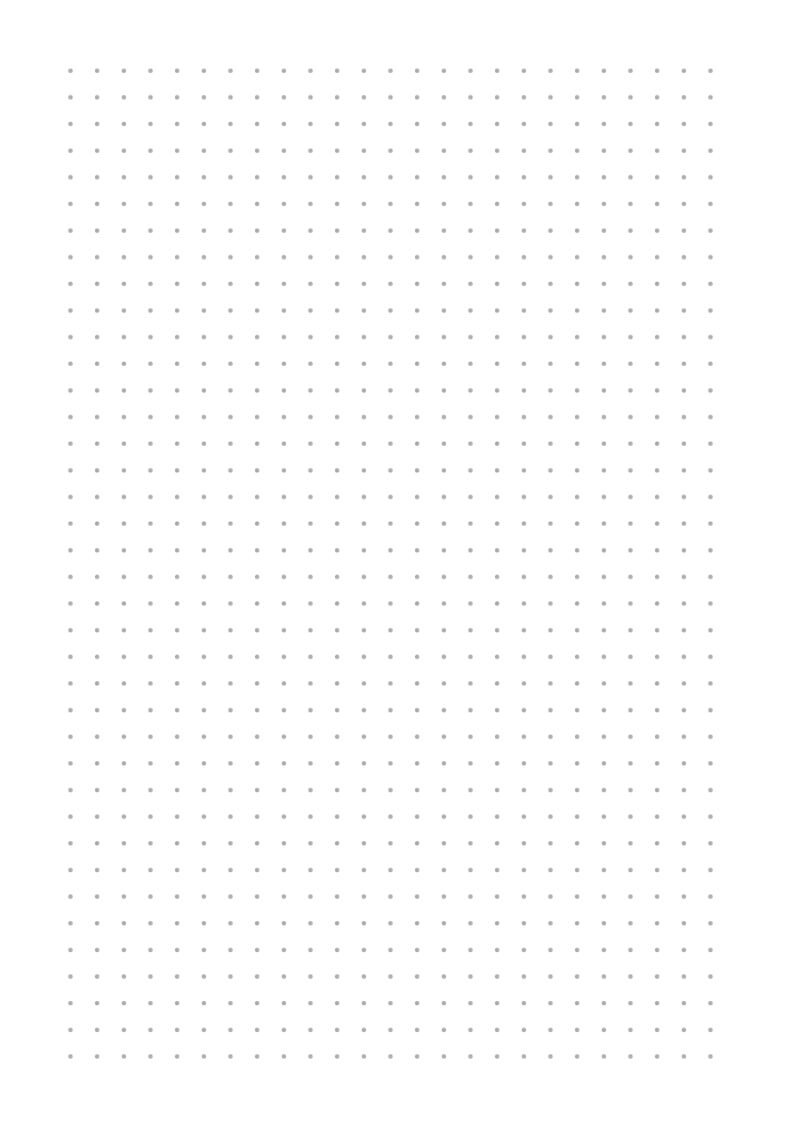
A 7 mm dot pitch gives each dot room to breathe. It suits large handwriting and relaxed layouts where you do not need a dense grid. The wider spacing keeps visual structure light.
Letter Size: For US Printers
Letter size (8.5 × 11 in) matches standard printer paper in the United States and Canada. This template is made for Letter-sized sheets, so it prints at 100% without converting from A4. Using an A4 template on Letter paper can change the physical spacing.
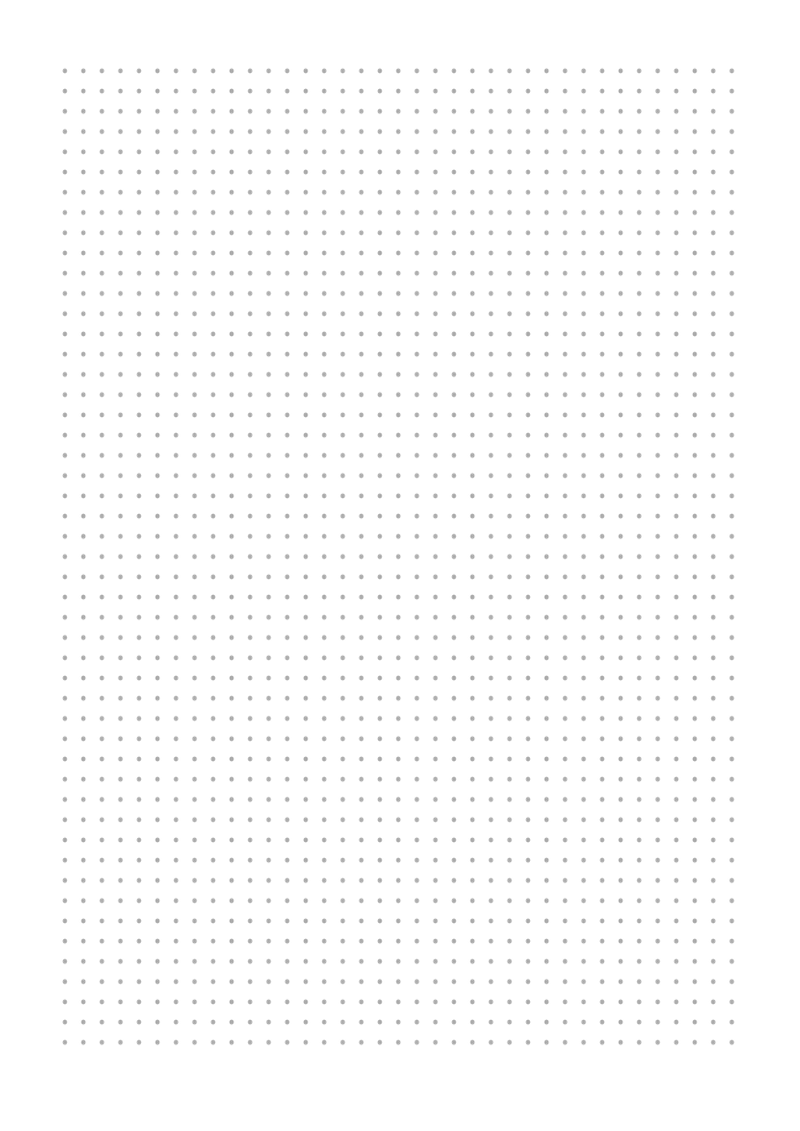
US users: select Letter in the printer dialog and set scale to 100%.
A5 Size: Compact Format
A5 (148 × 210 mm) is a portable size that fits pocket notebooks and small planners. This template uses the same 5 mm dot spacing as the A4 version in a smaller page. You can print it directly on A5 paper or use a 2-up booklet layout on A4.
Open PaperMe Studio to adjust the dot color, spacing, paper size, and margins, then export a high-resolution PNG or PDF.
Try it in PaperMe Studio
Customize your template and download it free, with no account needed.