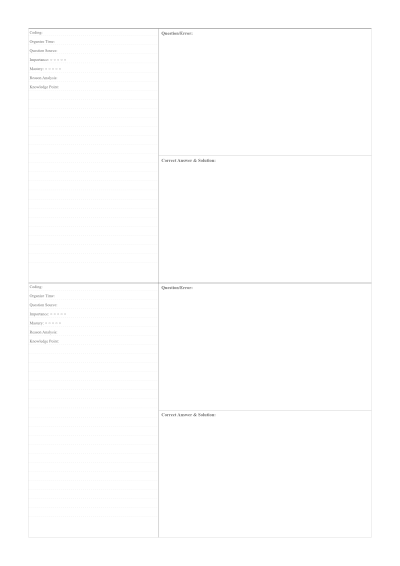
01 Personalizing your Student Error Correction and Review Paper
Evenly spaced horizontal lines run across the page, with no other decorations. Margins are fixed at 15 mm on all sides, and there are no adjustable controls in this preset. No header boxes, accent colors, or page numbers are included. The layout is rendered as a full-page image for PDF and Print.
02 Perfect for any project
This Student Error Correction and Review Paper is designed to be versatile. While many people use it for a4 review sheet with 5 mm spaced lines and 15 mm margins, you can also export it in various sizes to fit your specific workflow:
A4 & A5 Dimensions
Standard international sizes for Student Error Correction and Review Paper.
Letter & Legal
Standard North American formats for your Student Error Correction and Review Paper.
Custom Width/Height
Define exactly how large you want your page to be.
Vector PDF Export
Crystal clear printing at any scale.
03 Why this Student Error Correction and Review Paper is better
Set your printer to A4 paper and use 100% scaling or Actual Size to keep the ruled lines spaced correctly. PDF and Print render a full-page image at the specified page size. Any change in paper size or scaling will affect the physical line spacing.